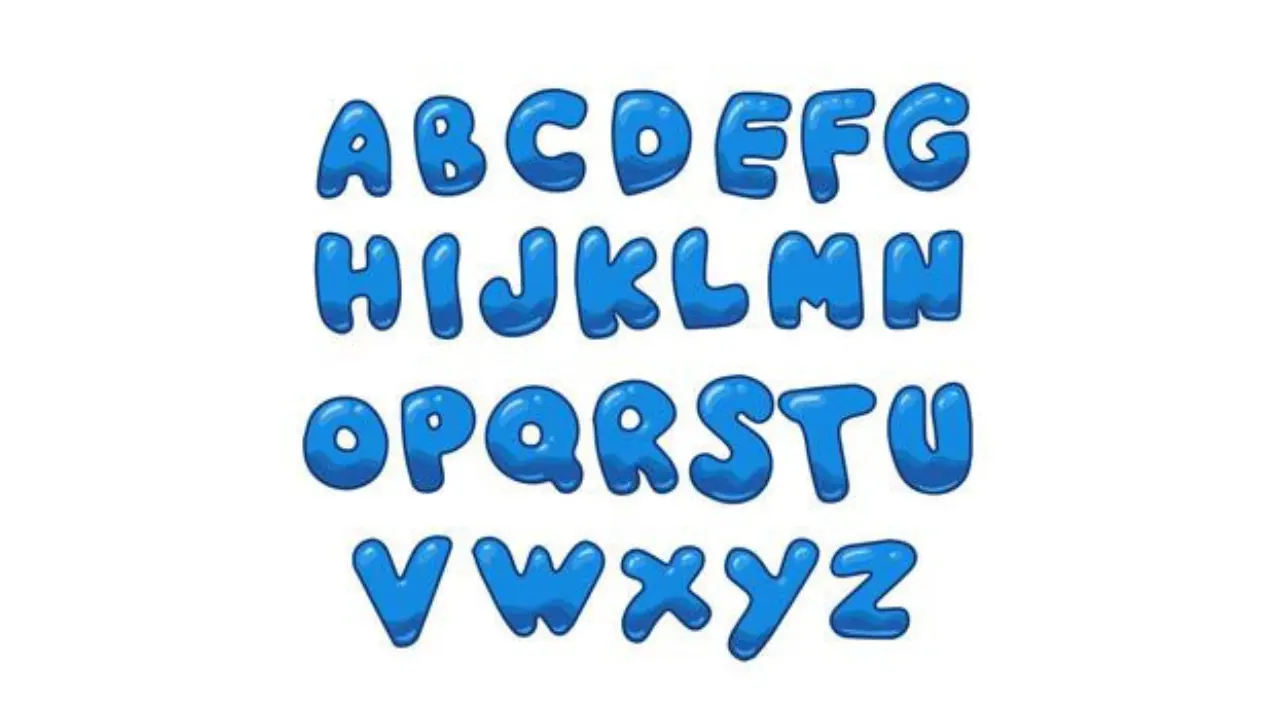
Cool Letters Styles, Symbols, And Captions
Cool letters are decorative versions of ordinary text used to make a name, caption, profile bio, or message stand out. They may look like a different font—such as bold, script, bubble, gothic, tiny, or circled text—but most copy-and-paste styles are actually Unicode characters, not a font installed on a device.
That difference matters. Unicode text can often be pasted into social profiles, chats, and comments, while a true font changes how text appears only where that font is available. Stylish text can add personality, but it works best when it remains readable and is used sparingly.
What are cool letters?
Cool letters are letters, numbers, and symbols presented in a visually distinctive style. Some are standard Unicode characters with their own code points, while others use combining marks or decorative symbols placed around normal text.
Common uses include usernames, gaming names, display names, invitations, headings, social-media bios, short captions, and greetings. A plain phrase such as “Hello” can be presented in several styles:
- Bold-style: 𝐇𝐞𝐥𝐥𝐨
- Italic-style: 𝘏𝘦𝘭𝘭𝘰
- Script-style: 𝓗𝓮𝓵𝓵𝓸
- Fraktur-style: 𝔢𝔩𝔩𝔬
- Monospace-style: 𝙷𝚎𝚕𝚕𝚘
- Circled letters: Ⓗⓔⓛⓛⓞ
- Small-cap appearance: ʜᴇʟʟᴏ
Not every apparent style is available for every character. Unicode includes many mathematical and enclosed alphanumeric characters, but it doesn’t provide a complete, matching decorative alphabet for every possible design.
Font text versus Unicode styled text
A font is a visual design applied by software, such as Arial, Georgia, or a downloaded typeface. Unicode styled text uses different characters that are encoded in the text itself. This is why a pasted script-style name may keep its appearance even when viewed on another device.
| Type | How it works | Best use |
|---|---|---|
| Font | Software draws ordinary letters in a chosen typeface. | Documents, websites, graphics, and designs where you control formatting. |
| Unicode styled text | Uses alternate Unicode characters that resemble bold, script, or other forms. | Short copy-and-paste text in profiles, messages, and captions. |
| Decorative symbols | Adds separators, stars, brackets, emojis, or other symbols around text. | Simple visual framing without changing the letters themselves. |
Unicode styles are convenient, but they are not a substitute for good typography. They may display differently across platforms, and some applications limit which characters are accepted in handles, passwords, forms, or game names.
Popular styles and where they work best
The right style depends on the setting. A readable, low-key treatment is usually better for a public profile or business-facing page. More elaborate lettering can work for a short heading, a nickname, or a creative post.
Bold and italic mathematical letters
Characters such as 𝐛𝐨𝐥𝐝 and 𝘪𝘵𝘢𝘭𝘪𝘤 are among the clearest choices. They can add emphasis to a short phrase without making it hard to recognize. Although they resemble formatted text, they are separate Unicode characters and may not behave like normal bold or italic formatting.
Script and cursive styles
Script lettering, such as 𝓢𝓬𝓻𝓲𝓹𝓽, can suit names, invitations, aesthetic captions, and creative labels. It becomes difficult to read in long sentences, especially on small screens, so it is best reserved for a few words.
Gothic and blackletter styles
Blackletter-style characters, such as 𝔊𝔬𝔱𝔥𝔦𝔠, create a dramatic, old-style look. They can be effective for a title or a single name. Because several letters are easy to confuse, they are a poor choice for information readers need to scan quickly.
Circled, squared, and enclosed characters
Enclosed letters like Ⓐ, Ⓑ, and Ⓒ work well for labels, choices, and compact decorative accents. Full words can look busy, and the available character set may be incomplete or inconsistent compared with ordinary letters.
Symbols and dividers
A simple symbol can make plain text feel more distinctive without harming readability. Examples include ★ Name ★, ✦ updates ✦, and ── notes ──. Use symbols that are easy to distinguish, and avoid filling a name with so many marks that it becomes hard to copy or find.
How to create cool letters
The simplest method is to use a Unicode text converter or character picker, then copy the result into the destination app. Before settling on a style, check the pasted text where people will actually see it.
- Write the plain text first. Keep the original spelling in an ordinary form. This gives you a clean version to reuse in search fields and forms.
- Choose one readable style. Use a style that fits the tone: bold for emphasis, script for a creative name, or symbols for a divider.
- Copy the converted characters. Paste them into a draft bio, message, or profile field.
- Preview on more than one device if possible. A character may appear as a box, a blank, or a different design when a device lacks suitable support.
- Keep a plain-text alternative. If the app rejects the characters or the result is unclear, use normal letters with a simple symbol instead.
For images, posters, videos, or a website you control, use actual font tools rather than Unicode substitutes. They provide more control over spacing, weight, color, licensing, and accessibility.
Why some stylish text looks broken
Not every device, operating system, or app supports every Unicode character in the same way. When support is missing, a person may see an empty box, a replacement symbol, or plain-looking text. The display can also change after an app or device update.
Some styles rely on combining marks—small marks added above, below, or through letters. These can look distorted when copied, wrapped onto another line, or displayed with a different font. Very ornate “glitch” text is especially likely to cause this problem.
Applications may also reject unusual characters in usernames, account names, search fields, and online forms. Rules vary by service, so a character that works in a caption may not work in a handle.
Readability, accessibility, and search considerations
Decorative text is best treated as an accent, not as the main way to communicate. Screen readers may announce stylized Unicode characters unexpectedly, and people using translation, search, copy-and-paste, or voice tools may struggle with heavily altered text.
Use ordinary letters for important information: contact details, dates, instructions, product names, public-facing announcements, and anything people may need to search for. A useful approach is to pair a decorative display name with a plain version nearby. For example, “𝓐𝓻𝓽 𝓒𝓵𝓾𝓫” can be followed by “Art Club.”
Avoid replacing letters with look-alike characters from another alphabet just to create an effect. They may look similar but function differently in search, copying, spelling checks, and account systems. They can also make a name misleading or difficult to type.
Alphabet Bubble Letters Easy Steps, Styles & Tips for Beginners
Practical ideas for using stylish letters
- Profile display name: Use a short, readable style, such as 𝐌𝐚𝐲𝐚 or ✦ Maya ✦.
- Bio heading: Add a compact label such as “☁ About me” or “𝘕𝘰𝘵𝘦𝘴.”
- Caption emphasis: Highlight only one or two words instead of converting the whole caption.
- Invitation or digital card: Combine a script-style title with ordinary body text.
- Gaming nickname: Choose characters accepted by the game and make sure friends can type or recognize the name.
- Study notes: Use circled letters or symbols to mark categories, but keep key terms in plain text.
Common mistakes to avoid
Long blocks of decorative characters are tiring to read and may look unprofessional in formal settings. Mixing many styles in one line can feel cluttered, even if each individual style looks good.
Do not use fancy Unicode letters in passwords. Password fields should be handled carefully, and unusual characters can be hard to enter consistently across devices. Use a password manager and a strong, unique password instead of trying to make a password visually stylish.
Also avoid copying text from an unknown generator into a security-sensitive form. Decorative text itself is not inherently unsafe, but copied content can include invisible characters. For important fields, type the intended plain text yourself.
Cute Bubble Letters Easy Step-by-Step Guide for Beginners
Frequently asked questions
Are cool letters real fonts?
Usually, no. Copy-and-paste styles are commonly Unicode characters that resemble different fonts. A real font is selected by software and changes the appearance of normal characters.
Can I use stylish letters in a username?
It depends on the platform. Many services allow some Unicode characters in display names but restrict handles and usernames. Test the name in the relevant field and keep a plain alternative.
Why do cool letters turn into boxes?
The device, app, or font may not support those characters. Choose a simpler style or use ordinary text with a basic symbol if the display is inconsistent.
Do stylized letters affect search?
They can. Search and text-matching tools may not treat decorative Unicode characters the same as ordinary letters. Keep important names and terms in plain text when discoverability matters.
What is the most readable style?
Simple bold-like characters, a short symbol border, or normal text with standard formatting are generally easier to read than script, glitch, or heavily decorated styles.
Conclusion
Cool letters can give short text a distinctive look, especially in a display name, caption, or creative heading. Choose a style that matches the purpose, test how it displays, and keep essential information in ordinary text. The most effective decorative lettering adds personality while still letting everyone read, search, and understand the words.