Letters Copy and Paste Text Symbols And Letter Styles
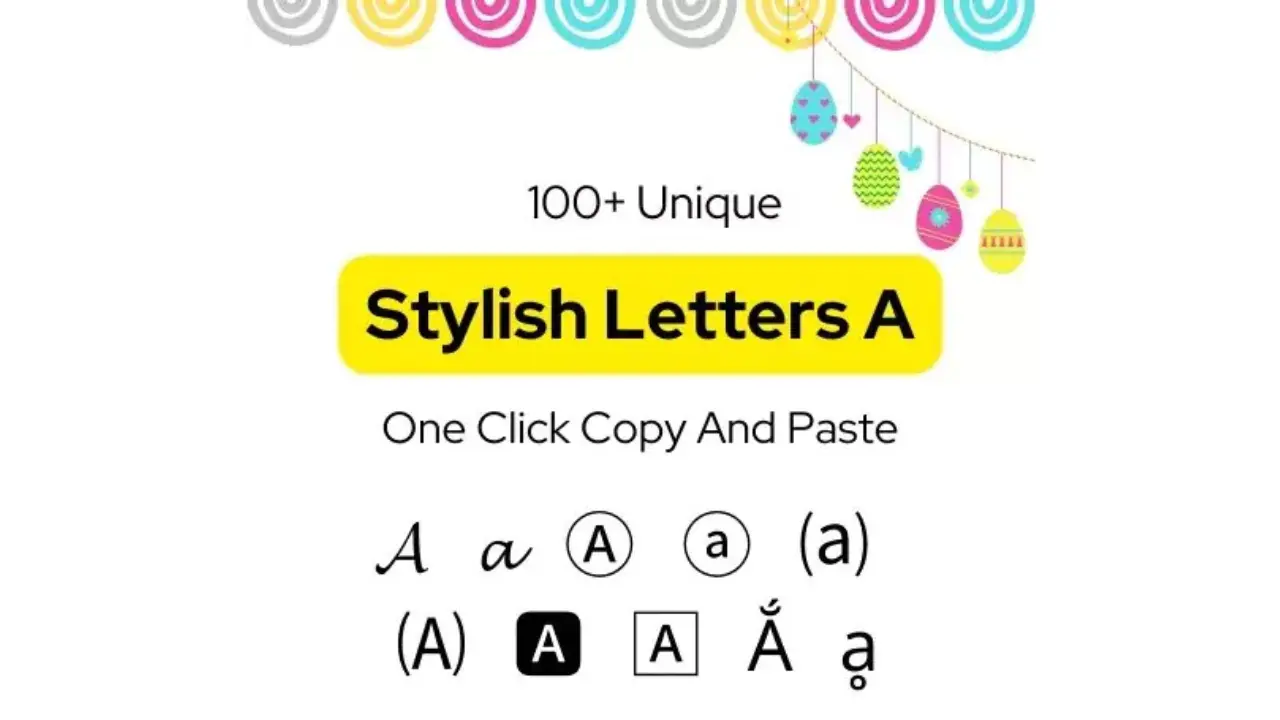
Letters copy and paste usually refers to ready-made text characters that you can select, copy, and place into a message, profile, caption, document, or design. These may be ordinary alphabet letters, accented characters, decorative Unicode letters, small caps, circled letters, superscript letters, or symbols that look like letters.
The basic process is simple: select the character or text, copy it, then paste it where you need it. The more useful part is choosing a style that remains readable and works properly on the app, device, or website where it will appear.
Copyable letters and common character styles
Most modern devices support Unicode, a shared standard that includes letters and symbols from many writing systems. That is why text can often keep its appearance when copied between phones, computers, and social platforms. Support is not identical everywhere, however, so unusual characters may display as empty boxes or change appearance on another device.
| Style | Examples | Typical use |
|---|---|---|
| Standard alphabet | ABCDEFGHIJKLMNOPQRSTUVWXYZ abcdefghijklmnopqrstuvwxyz | Everyday writing, names, labels, and search-friendly text |
| Accented letters | À Á Â Ä Å Æ Ç È É Ê Ë Ì Í Î Ï Ñ Ò Ó Ô Ö Ø Ù Ú Û Ü Ý ß | Names, language learning, and correct spelling in many languages |
| Small capitals | ᴬ ᴮ ᴰ ᴱ ᴳ ᴴ ᴵ ᴶ ᴷ ᴸ ᴹ ᴺ ᴼ ᴾ ᴿ ᵀ ᵁ ᵂ | Short labels and visual emphasis |
| Superscript letters | ᵃ ᵇ ᶜ ᵈ ᵉ ᶠ ᵍ ʰ ⁱ ʲ ᵏ ˡ ᵐ ⁿ ᵒ ᵖ ʳ ˢ ᵗ ᵘ ᵛ ʷ ˣ ʸ ᶻ | Technical notation or small decorative text |
| Circled letters | Ⓐ Ⓑ Ⓒ Ⓓ Ⓔ Ⓕ Ⓖ Ⓗ Ⓘ Ⓙ Ⓚ Ⓛ Ⓜ Ⓝ Ⓞ Ⓟ Ⓠ Ⓡ Ⓢ Ⓣ Ⓤ Ⓥ Ⓦ Ⓧ Ⓨ Ⓩ | Lists, labels, and headings |
| Fullwidth letters | ABCDEFGHIJKLMNOPQRSTUVWXYZ abcdefghijklmnopqrstuvwxyz | Decorative spacing in short text |
These characters are best used in short pieces of text. Long passages in decorative styles are difficult to read, can be hard to edit, and may not work well with screen readers, search tools, or form fields.
How to copy and paste letters
To use a letter, character, or styled word, highlight it, copy it, and paste it into the destination. The exact method depends on your device.
On a phone or tablet
- Press and hold the letter or text until selection handles appear.
- Adjust the handles if needed, then choose Copy.
- Open the app or field where you want the text.
- Press and hold in the text field and choose Paste.
Windows
- Select the text with the mouse or keyboard.
- Press Ctrl + C to copy.
- Click the destination field.
- Press Ctrl + V to paste.
On Mac
- Select the text.
- Press Command + C to copy.
- Place the cursor at the destination.
- Press Command + V to paste.
If the pasted text brings along unwanted formatting, many programs offer a paste-as-plain-text option. This keeps the characters but removes font styling, colors, links, and other formatting from the original location.
Decorative text is not always a font
A common misunderstanding is that every fancy-looking word is a font. Often, it is not. Many online text-style tools replace ordinary Latin letters with separate Unicode characters that resemble bold, italic, script, or blackletter writing.
For example, a decorative word may look bold or handwritten even when the receiving app has no such font installed. The appearance travels with the characters because they are different encoded symbols. That also explains why copying a styled word into a plain editor does not necessarily convert it back into normal letters.
Actual fonts are different: they change how the same underlying characters are drawn within a document, image editor, or website. If you need consistent typography in a logo, poster, or printable document, use a real font in the appropriate design software rather than relying on copied decorative characters.
Where copied letter styles work best
Copyable characters can be useful when they add a small visual cue without getting in the way of the message. Good uses include:
- Short social-profile names or bios, where the platform allows them
- Section labels in notes, chats, or informal documents
- Initials, list markers, and compact headings
- Correctly spelled names that need accents or non-English characters
- Math, science, and language symbols when the proper character is needed
Use standard text for email addresses, website addresses, passwords, usernames with strict rules, file names, code, and important instructions. Decorative look-alike characters can create errors because they may not be the same characters that a system expects.
Compatibility, readability, and accessibility
Before using a special letter style publicly, paste it into the final destination and check it there. A character that looks clear on one phone may appear differently on another operating system, browser, or font. Older software may show an unsupported character as a box, a question mark, or a replacement symbol.
Accessibility also matters. Screen readers may pronounce a stylized Unicode character differently from a normal letter, or describe it in a way that interrupts the flow of a sentence. Decorative alphabets can also make text difficult for people with low vision or reading differences.
For that reason, keep important information in ordinary, readable text. If a social profile uses a styled display name, a plain-text version elsewhere in the bio can help others find and understand it.
Be careful with look-alike letters
Some characters from different writing systems look nearly identical to English letters. A Latin “a,” a Greek character, and a Cyrillic character can look alike in certain fonts while being entirely different code points. That can confuse readers and can be misused to make a name or web address appear familiar.
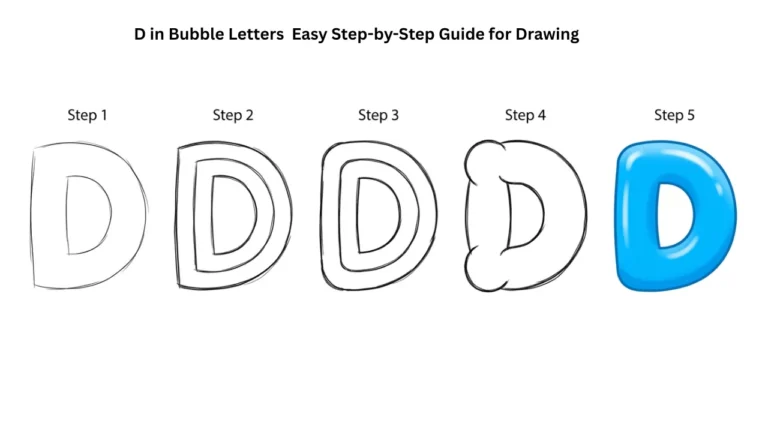
Cute Bubble Letters Easy Step-by-Step Guide for Beginners
Do not use look-alike letters to imitate brands, people, sites, or account names. When entering a web address, account name, payment detail, or login information, type it carefully or use a trusted bookmark rather than relying only on how the text looks.
Why pasted letters may not work
When a copied character fails, the problem is usually not the copy-and-paste action itself. It is often a restriction in the destination field or a display limitation.
- The field accepts only basic letters and numbers: Many forms reject symbols, spaces, or nonstandard characters.
- The app changes the text: Some platforms normalize characters or remove unsupported ones.
- A character appears as a box: The device or selected font may not support it.
- The text is hard to find later: Stylized letters may not match ordinary-text searches.
- The spacing looks wrong: Fullwidth or combining characters can render differently across apps.
The practical fix is usually to switch to plain text, use a simpler character, or try the destination platform before publishing. For a name that requires a particular accented letter, try a keyboard layout or character picker rather than substituting a look-alike symbol.
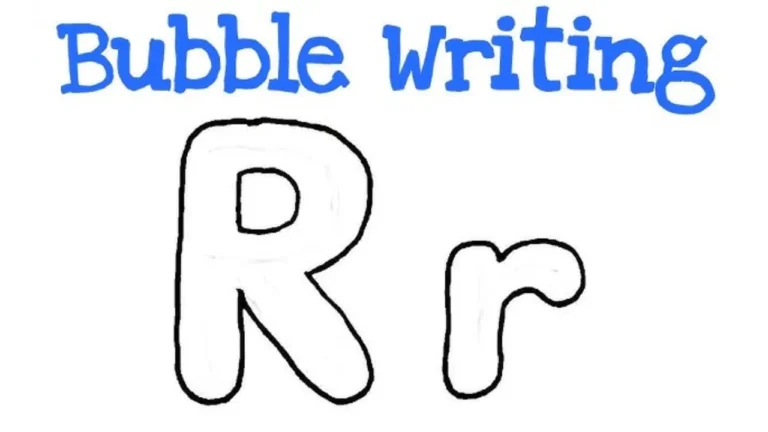
Alphabet Bubble Letters Easy Steps, Styles & Tips for Beginners
Tips for using letter styles well
Style works best as a small accent. Use it to separate a heading, add a decorative initial, or highlight a short phrase—not to replace normal writing throughout a post.
- Choose a style that remains easy to read at small sizes.
- Use one style at a time rather than mixing several alphabets.
- Keep a plain-text copy of names, captions, and important details.
- Test the result on the app where it will be seen.
- Do not paste unusual characters into security-sensitive fields.
- Use genuine accented letters when spelling requires them; they are not merely decoration.
Frequently asked questions
Can I copy and paste letters into social media names?
Often, yes, but each platform sets its own rules for display names, usernames, and bios. A display name may accept more characters than a username. Test the text in the relevant field, and keep a readable plain-text version if the styled name is hard to search.
Why do copied fancy letters look different after I paste them?
The destination device may use a different font or may not support the character. Unicode characters can have varying visual designs across operating systems, and unsupported characters may show as boxes or replacement marks.
Are fancy copy-and-paste letters safe to use?
They are generally fine for casual, non-sensitive text. Avoid them in passwords, web addresses, account details, code, and other places where a visually similar character could cause a mistake.
Can decorative letters improve search results?
They are not a reliable way to improve search visibility. Standard text is easier for search systems, screen readers, and users to interpret. Use decorative characters mainly for short visual styling.
How can I type an accented letter instead of copying it?
Many mobile keyboards show accented options when you press and hold a base letter, such as e or n. On a computer, a language keyboard layout, character viewer, or operating-system character map can provide the correct character.
Final Thought
Letters copy and paste options are useful for adding accents, correct language characters, compact labels, and occasional visual style. The safest choice for anything important is still ordinary text: it is easier to read, search, share, and enter correctly. Use special characters where they genuinely help, then check that they display properly before relying on them.