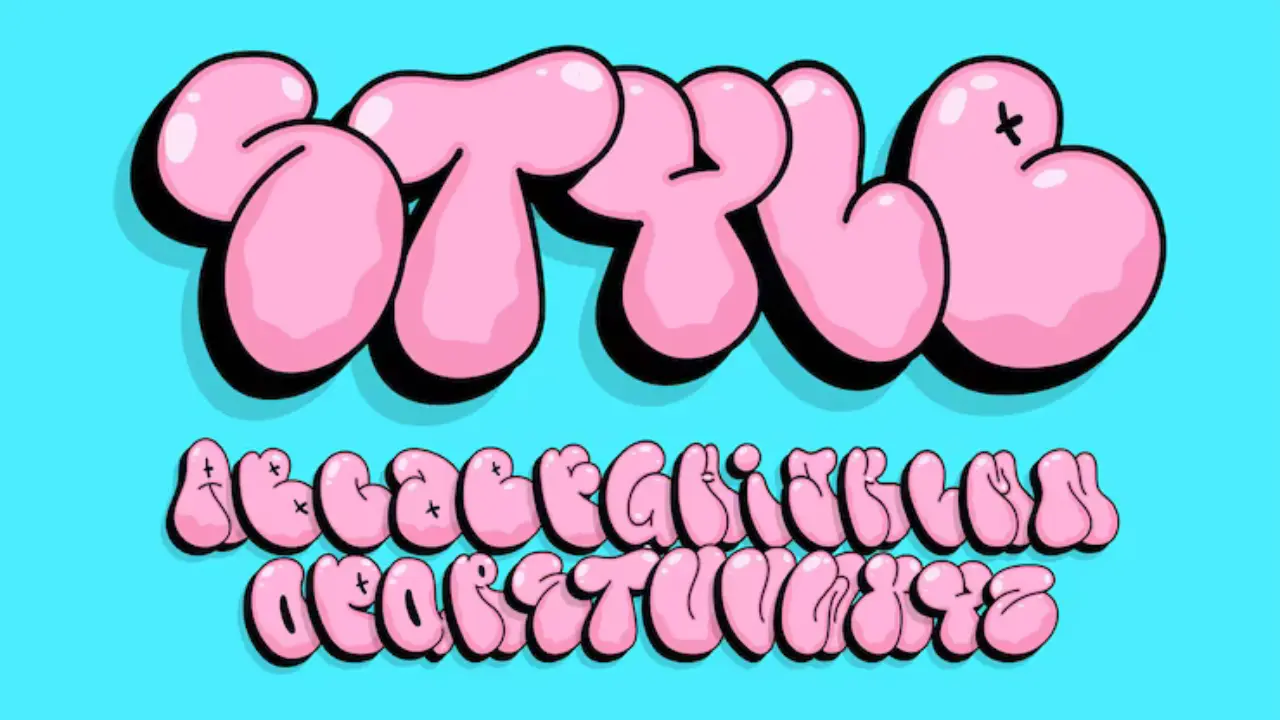
Font Generator Bubble Letters Outlined, Circled, And Decorative
A font generator bubble letters tool turns ordinary words into rounded, playful-looking characters that can often be copied and pasted into profiles, captions, messages, headings, and simple designs. Most online tools do not install a new typeface. Instead, they convert your text into Unicode characters that resemble bubble, outlined, circled, or decorative lettering.
The best result depends on where you plan to use it. A bold style may stand out in a short social bio, while a simpler rounded style is easier to read in a longer caption. Before pasting decorative text anywhere, check that it remains readable and displays correctly on the devices your audience uses.
What a bubble letter generator does
A bubble letter generator accepts typed text, displays it in one or more decorative styles, and lets you copy the version you like. It is commonly used for short names, titles, greetings, usernames, and visual accents.
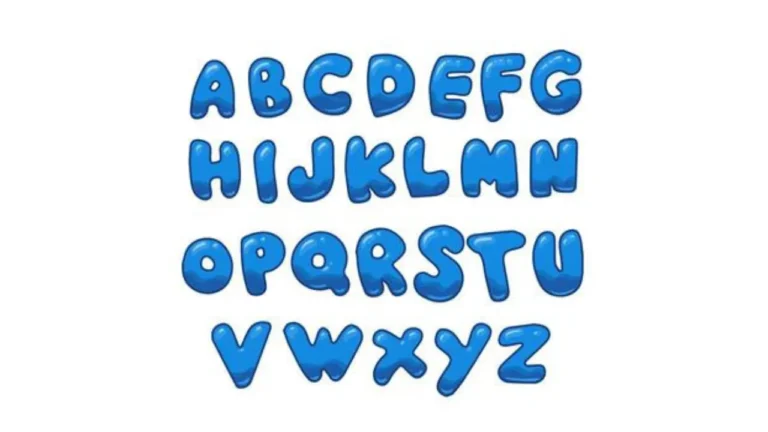
“Bubble letters” usually describes letters with soft, rounded, inflated shapes. Online generators may also label related effects as outlined, circled, boxed, bold, or cartoon-style text. These are visually similar ideas, but they are not always the same kind of text.
| Output type | How it works | Best use |
|---|---|---|
| Unicode decorative text | Uses characters encoded as text | Bios, captions, comments, messages, and display names where supported |
| Font preview | Shows typed text in a font installed or loaded by a design tool | Graphics, documents, posters, and websites with font controls |
| Image lettering | Renders words as pixels in an image file | Logos, thumbnails, stickers, and artwork |
How to use a font generator for bubble letters
The usual process is simple: enter a short phrase, compare the available styles, copy your selection, and paste it into the destination. Treat the result as decorative text, not a substitute for a fully designed font file.
- Write the text plainly first. Keep it short, especially for profile names or headings.
- Enter it into the generator. Many tools show several transformed versions at once.
- Look closely at each character. Check that letters such as a, e, g, l, I, O, and 0 are not confusing.
- Copy one style. Use the tool’s copy control if available, or select the output and copy it normally.
- Paste it into the intended app or editor. Preview it before publishing or saving.
- Keep a plain-text backup. This makes it easy to replace the decorative version if it displays poorly.
Choose a style that looks good and stays readable
Bubble lettering is most effective as an accent. It can give a short phrase personality, but dense decorative text makes reading slower and can make a page feel cluttered. Use it for a name, a heading, or a few words rather than an entire paragraph.
Cute Bubble Letters Easy Step-by-Step Guide for Beginners
Match the look to the purpose
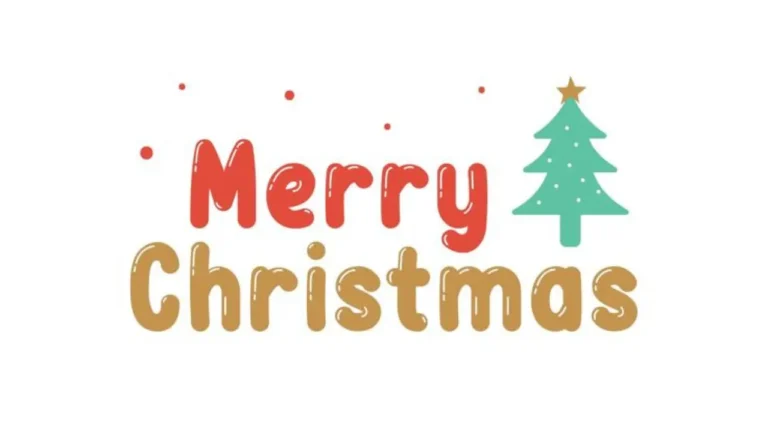
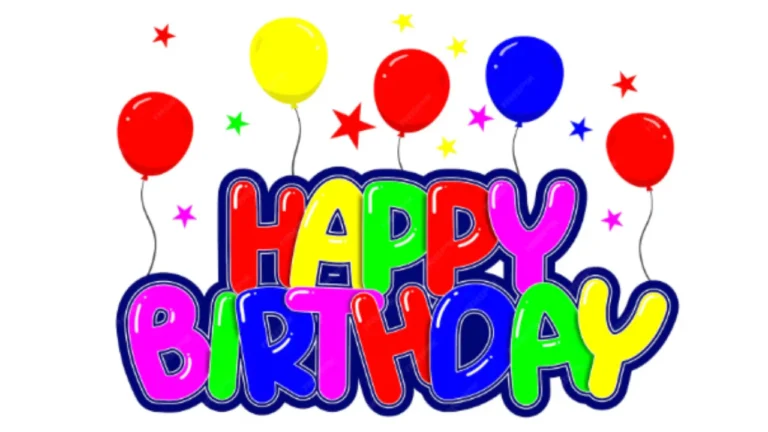
Rounded, heavier forms feel friendly and informal, so they often suit party invitations, children’s projects, casual social posts, and cheerful announcements. Outline-like styles can feel lighter and work well for a brief title. Circled or boxed letters are useful for emphasis, though they take up more visual space.
For a business name, public-facing profile, or event information, choose clarity over decoration. A recognizable name in ordinary text is often easier to find, read, and share.
Test more than one device
Unicode support varies by operating system, browser, app, and available fonts. A style that looks smooth on one phone may appear as a plain fallback character, a missing-character box, or an uneven mix of letter shapes elsewhere. Test the pasted text in the actual platform when possible.
Some apps also limit the characters allowed in usernames, account names, search fields, or forms. A generator can create the characters, but the receiving service decides whether it accepts and displays them.
Alphabet Bubble Letters Easy Steps, Styles & Tips for Beginners
Watch the character limit
Decorative characters may look like single letters, yet platforms may count them differently from plain text or apply their own restrictions. Paste the finished version into the field before assuming it fits. If the text is rejected or cut off, shorten the phrase instead of adding more symbols.
Unicode text is not the same as a downloadable font
This distinction prevents a common disappointment. A downloadable font is a file that a computer, design program, or website can use to render typed characters in a particular visual style. Unicode decorative text is made of pre-existing text characters selected to resemble a style.
That means a copy-and-paste generator usually cannot produce every letter shape, punctuation mark, language character, or design detail found in a real bubble font. It may substitute similar characters, leave some symbols unchanged, or produce a mixed appearance.
If you need consistent lettering for a logo, print project, illustration, or branded graphic, use a licensed font in a design application and export the finished work as an image or PDF. This gives you more control over spacing, color, outlines, shadows, and layout.
Good places to use bubble-style text
Decorative copyable lettering works best where personality matters more than searchability or formal readability. Short text also reduces the chance of unsupported characters and awkward line breaks.
- Social media bios and display names, where the platform permits it
- Short post captions and story headings
- Friendly messages, invitations, and greetings
- Gaming nicknames or community profile text, subject to platform rules
- Digital notes, scrapbook-style labels, and casual project headings
- Simple promotional graphics when the text is rendered as part of an image
For passwords, email addresses, web addresses, legal names, school or work documents, emergency information, and instructions, use ordinary text. Decorative characters can create errors, make copying difficult, and reduce accessibility.
Common problems and practical fixes
The letters turn into boxes or question marks
This usually means the device or app does not support one or more Unicode characters. Try a less elaborate style, use plain text, or turn the wording into an image if an image is appropriate for the destination.
The style changes after pasting
Some apps normalize text, remove unsupported characters, or apply their own font rendering. Paste the text into the final destination before relying on the preview shown by the generator. A simpler output often has broader support.
It is hard for others to read or find
Fancy letterforms can be difficult for screen readers, text-to-speech tools, platform search, translation tools, and people who rely on clear visual letter shapes. Put the important wording in plain text nearby. For example, use a decorated display name but include the ordinary spelling in a bio, caption, or image description.
Copying adds unwanted spaces or symbols
Some tools add separators, emoji, or invisible formatting around the converted text. Paste first into a plain-text note field, inspect it, and remove anything you do not want before sharing it.
Make bubble lettering more accessible
Visual style should not hide the message. Decorative Unicode text can be interpreted inconsistently by assistive technology, and people may struggle to distinguish stylized characters. Keep essential details—such as dates, locations, instructions, names, and links—in normal text.
For an image containing bubble lettering, include a clear caption or alternative text that states the words in ordinary language. Avoid using unusual characters in links, since readers need to recognize where a link leads and may need to copy it accurately.
Safety and privacy when using online text tools
A basic text converter generally needs only the words you type. Even so, avoid entering passwords, private messages, account recovery codes, personal identification details, or confidential work information into any third-party website. Decorative text is not encryption or protection.
Also be cautious with copied text from unfamiliar sites. Check what you paste, particularly if the destination is an account name, a public profile, or a form. Plain text is the safer choice for information that must be exact.
Frequently Asked Questions
Can bubble letters be copied and pasted?
Often, yes. Generators that use Unicode characters create text that can usually be copied and pasted into compatible apps. Whether it works depends on the platform and the recipient’s device.
Why do bubble letters look different on another phone?
Devices use different fonts and levels of Unicode support. If a character is unavailable, the device may replace it with a fallback shape or a missing-character symbol.
Can I use bubble letters in a username?
Only if the service permits those characters. Many services restrict usernames to standard letters, numbers, and a small set of symbols, even when decorative text works in a bio or post.
Do bubble letter generators create real fonts?
Most copy-and-paste generators do not. They transform text using Unicode characters. A real font is a font file used by compatible software or a website’s typography system.
Are bubble letters good for a logo?
They can help explore an informal visual direction, but a logo usually needs more control and consistency than copied Unicode text provides. Design software and an appropriately licensed font are better suited to final logo artwork.
Conclusion
A font generator bubble letters tool is a quick way to give a short phrase a softer, more playful appearance. Choose an output that remains easy to recognize, test it in the platform where it will appear, and keep important information in ordinary text. For polished graphics or consistent branding, use a real font and render the final lettering as part of the design.